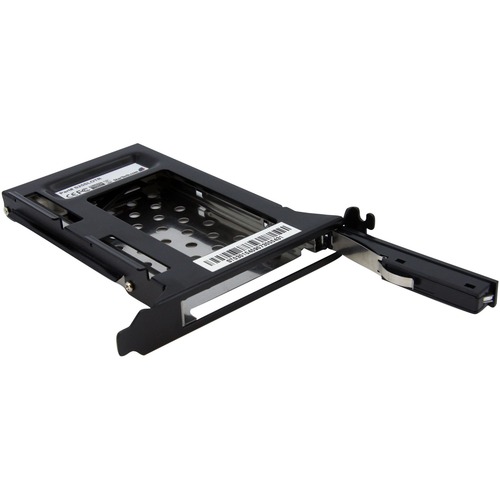
StarTech.com Drive Slot Adapter SATA/600 - Serial ATA/600 Host Interface Internal - Black - 1 x HDD Supported - 1 x SSD Supported - 1 x Total Bay - 1 x 2.5" Bay - Aluminum, Steel
SKU: STCS25SLOTR
Description
Fits a 2.5" SATA drive into a rear full profile expansion card slot
Trayless design: drive is not mounted into a tray or enclosure
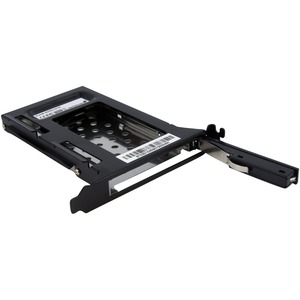
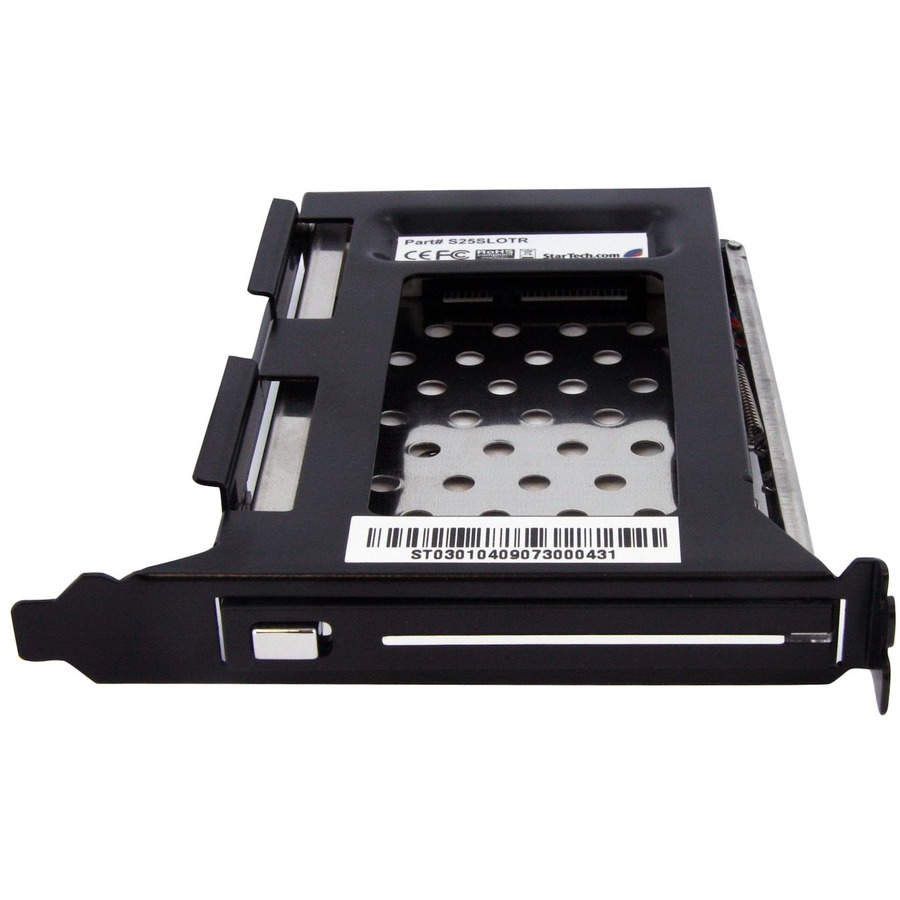
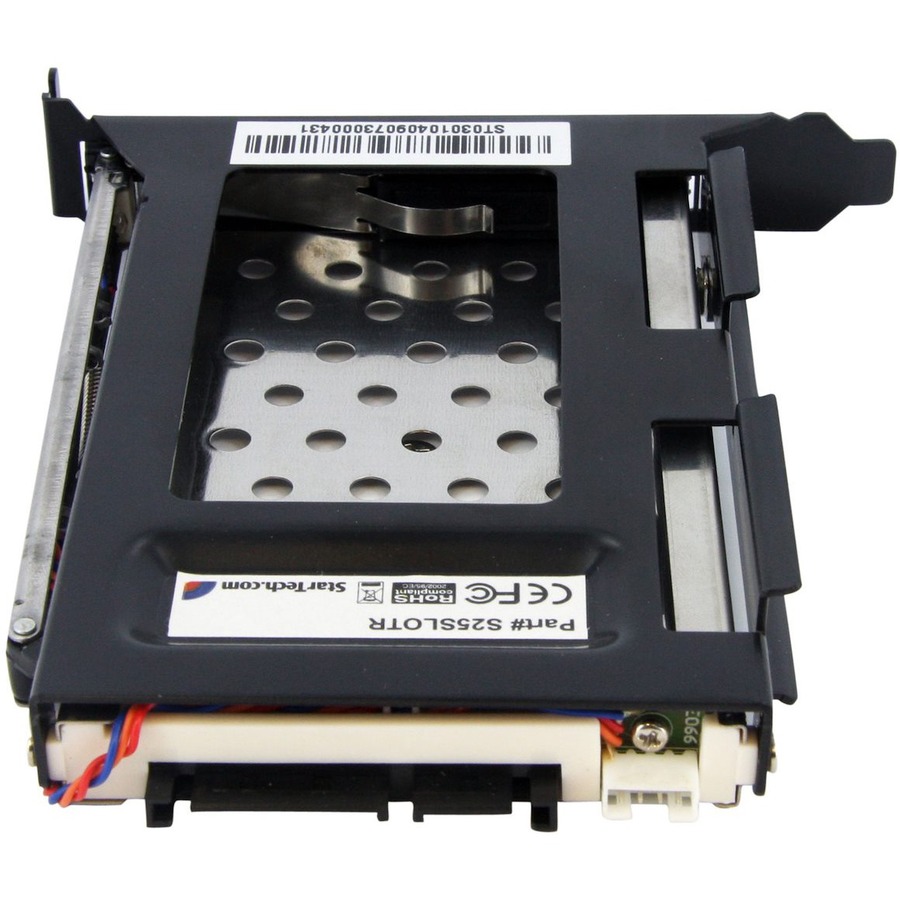
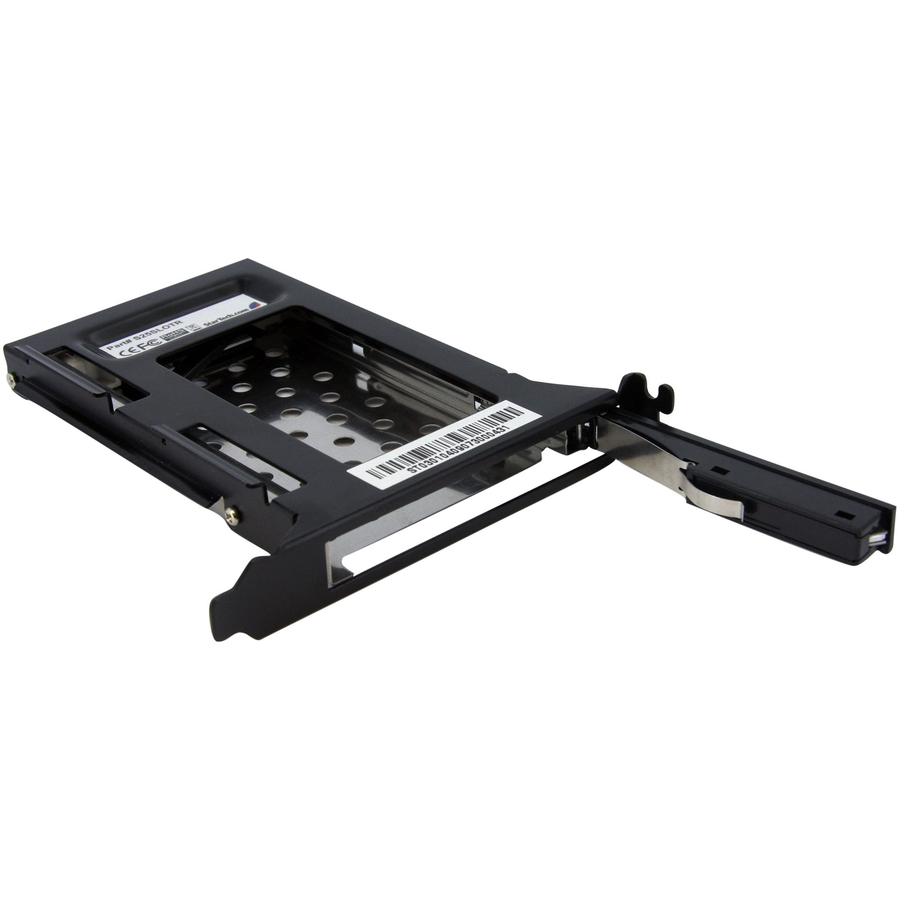
The S25SLOTR Trayless Hard Drive Rack can be installed into an available (full profile) PCI expansion card slot, providing easy access to a bare 2.5" SATA hard drive or solid state drive (SSD) from the rear panel of a computer case.
Unlike conventional hard drive enclosures, the S25SLOTR hard drive rack doesn't require that a drive be installed in a drive tray, saving the time and hassle involved in having to mount or install the hard drive for access to drive contents.
To maximize performance and utilize the full speed potential of your SATA III hard drives, this HDD Backplane supports SATA III for transfer speeds up to 6 Gbps when paired with a compatible controller.
Once installed in a PCI slot (and accompanying rear panel bracket), installing a 2.5" SATA HDD is as simple as inserting it into the trayless rack. To remove the hard drive, simply hit the eject button to unlock the access door, allowing the drive to be pulled out of the computer without having to dismount the drive.
The S25SLOTR Trayless Hard Drive Rack can be installed into an available (full profile) PCI expansion card slot, providing easy access to a bare 2.5" SATA hard drive or solid state drive (SSD) from the rear panel of a computer case.
Unlike conventional hard drive enclosures, the S25SLOTR hard drive rack doesn't require that a drive be installed in a drive tray, saving the time and hassle involved in having to mount or install the hard drive for access to drive contents.
To maximize performance and utilize the full speed potential of your SATA III hard drives, this HDD Backplane supports SATA III for transfer speeds up to 6 Gbps when paired with a compatible controller.
Once installed in a PCI slot (and accompanying rear panel bracket), installing a 2.5" SATA HDD is as simple as inserting it into the trayless rack. To remove the hard drive, simply hit the eject button to unlock the access door, allowing the drive to be pulled out of the computer without having to dismount the drive.